
Manually writing and tuning SQL is a major time sink. The work of perfecting syntax, debugging logic, and improving query speed creates dependencies and slows everything down. This persistent inefficiency is the reason behind a new category of software designed to speed up interaction with data.
What SQL AI Tools Change in Daily Work
SQL AI tools change how people work with data. They turn normal language into working SQL in real time. The main shift is simple: less time fighting syntax, more time thinking about the actual question.
Key changes in daily work:
- Users just say what data they need in plain words — the AI writes the query.
- Full cycle (write → test → fix → tune) gets much shorter with instant generation, clear error breakdowns, and built-in optimization tips.
- People who aren’t SQL experts can pull data themselves — no more constant developer handoffs.
- Slow queries get flagged and improved proactively — index advice, rewritten subqueries, all before users notice lag.
- Support for many database types (MySQL, Postgres, Snowflake, etc.) keeps the workflow uniform.
Best 7 AI-Powered SQL Tools for Quick Query Generation
We chose these tools for their practical ability to speed up SQL tasks. They generate queries from plain language, fix performance issues, and clarify confusing code. The list includes both IDE add-ons and independent platforms, so you can pick an option that fits your existing setup.
1. dbForge AI Assistant
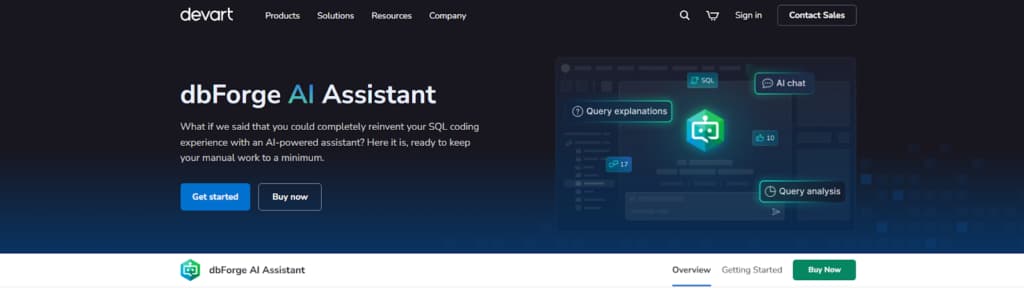
dbForge AI Assistant comes as a native part of the dbForge IDEs. You write what you want in everyday language, and it creates SQL code that correctly reflects your database structure — tables, columns, keys, and joins as they actually exist.
This SQL AI Tool can also examine your current SQL, propose concrete optimizations for better speed, break down hard-to-read queries so you understand them, and help locate and repair mistakes. The entire process stays within the editor; no external tools required.
It focuses on the main tasks that take time in real work: creating queries, optimizing them, and fixing problems. Because it connects to your live database, the code it produces matches your actual tables and data relationships.
Main Features:
- Converts natural language prompts into executable SQL
- Optimizes and explains existing query logic
- Troubleshoots errors with contextual suggestions
- Offers an integrated AI chat for guidance
- Supports SQL Server, MySQL, Oracle, and PostgreSQL
Why Choose It: Pick this tool when you want AI that actually knows your database schema and works straight inside dbForge Studio. No app-switching, no separate tabs. Built for developers and DBAs who need reliable, schema-accurate queries and smart optimization without leaving their normal workflow.
2. AI2SQL
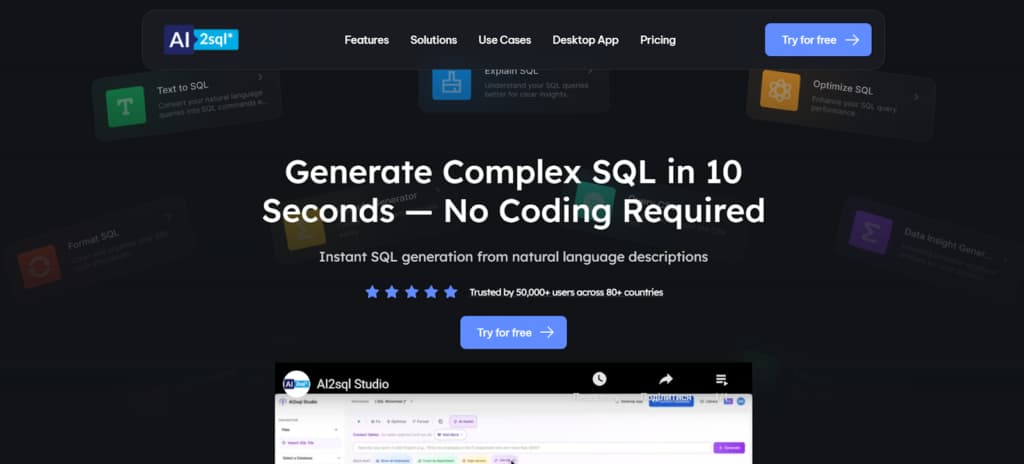
AI2SQL is an online tool for translating natural language prompts into executable SQL. Write what you need in ordinary words; it produces the query. The unified workspace supports generating, validating, adjusting, and running SQL on various database engines.
Main Features:
- Text-to-SQL generation for SQL and NoSQL databases
- AI-driven query optimization and rewriting
- Syntax debugging and error correction
- Query explanation in plain language
- Multi-engine compatibility (PostgreSQL, MySQL, SQL Server, Oracle)
Why Choose It: Choose AI2SQL for its efficient, all-in-one platform. It is well-suited for teams that need a single tool to quickly generate new queries and optimize existing SQL code across multiple database systems.
3. Chartbrew AI SQL Query Optimizer
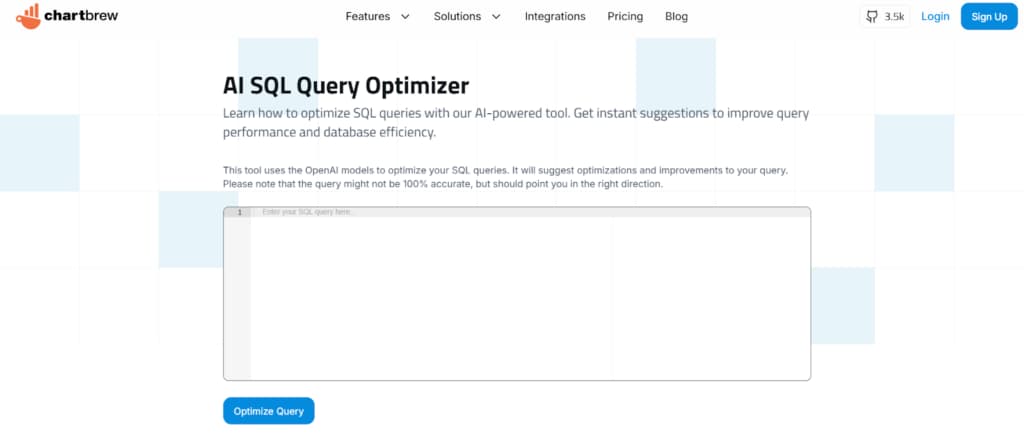
Chartbrew’s free AI SQL Query Optimizer takes your query and finds performance issues — missing indexes, inefficient joins, extra subqueries. It gives precise recommendations plus explanations of the impact. Apply the advice to optimize now and improve future queries.
Main Features:
- Analyzes SQL for performance bottlenecks
- Provides optimization suggestions for indexing and structure
- Integrates directly with the Chartbrew reporting platform
- Free to use with no sign-up required
- Supports MySQL and PostgreSQL
Why Choose It: Choose this tool if you need a straightforward, no-cost optimizer, especially when building dashboards in Chartbrew. It’s best for analysts and developers seeking practical, educational feedback to improve query performance for reporting.
4. Chat2DB
Chat2DB is a desktop and web client that acts as a universal SQL copilot. It connects directly to over 30 different database types, allowing you to generate queries from plain language, optimize performance, and even build charts—all within a single, privacy-focused interface that processes data locally.
Main Features:
- Creates and refines SQL code based on plain-language prompts
- Supports multiple database platforms (MySQL, PostgreSQL, Oracle, MongoDB, Snowflake, etc.)
- Comes with native data visualization and dashboard-building capabilities
- Maintains data security via local execution and encryption
- Includes an AI copilot for structured, step-by-step assistance
Why Choose It: Choose Chat2DB if you need a versatile, standalone client for managing multiple database technologies. It’s ideal for teams that prioritize data privacy and want an all-in-one tool for query generation, optimization, and instant visual reporting.
5. Aiven
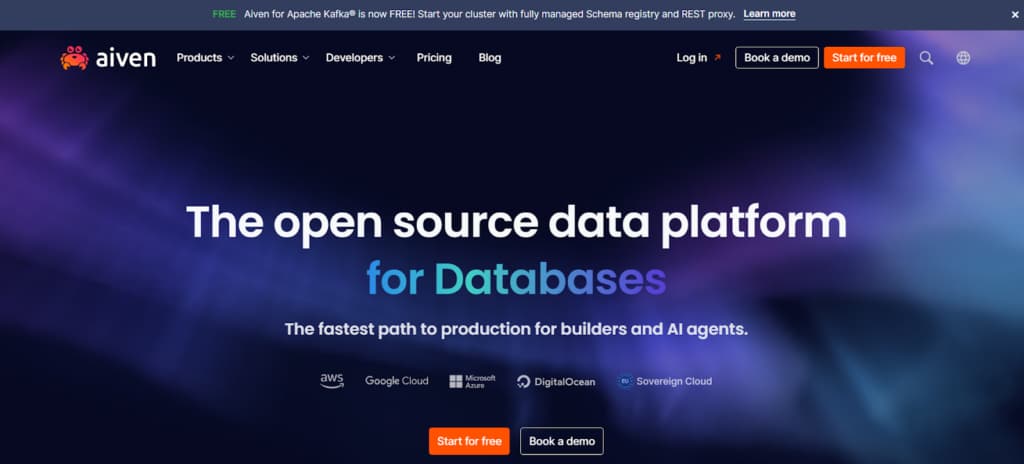
The Aiven AI Database Optimiser is a managed cloud service that provides automated, continuous performance tuning for PostgreSQL and MySQL databases. It acts like an AI DBA, proactively scanning workloads to suggest query rewrites and index improvements aimed at reducing latency and cloud costs.
Main Features:
- Automatically suggests SQL rewrites and indexes for PostgreSQL/MySQL
- Provides real-time performance insights and metrics
- Analyzes only schema metadata to ensure data privacy
- Integrates optimization directly into the Aiven developer console
- Sends automated alerts for performance degradation
Why Choose It: Choose this if your Postgres or MySQL runs on Aiven and you want automated performance tuning. It’s for teams focused on reducing manual work and controlling cloud spend.
6. SQLAI.ai
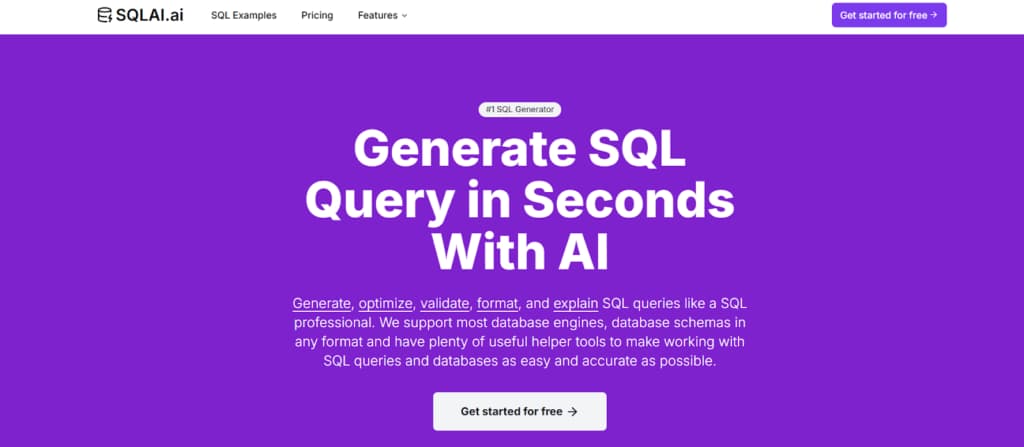
SQLAI.ai is a web platform focused on precise, schema-aware SQL generation and transparent optimization. It connects directly to your data source for accurate column suggestions and allows you to set custom rules, while its optimizer provides side-by-side diffs and explanations for every suggested change to your queries.
Main Features:
- Converts natural language to SQL with real schema autosuggestions
- Optimizes queries with visual diffs and explanations
- Allows custom rules (RAG) for query generation
- Offers multiple AI models for speed/accuracy balance
- Features a public API for integration
- Supports major SQL and NoSQL databases
Why Choose It: Choose SQLAI.ai for its strong emphasis on control and transparency. It’s excellent for teams that need precise, rule-compliant SQL generation and want to understand exactly how and why an AI is optimizing their code before applying changes.
7. Text2SQL
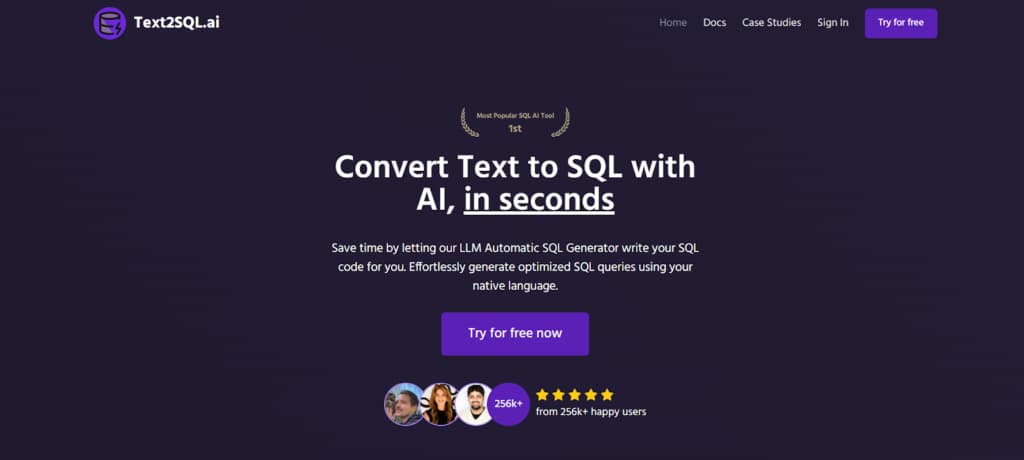
Text2SQL.ai is a straightforward web tool for converting natural language into SQL across many database types. It uses large language models to interpret requests, supports schema uploads for accuracy, and includes conversational refinement, debugging, and an API for custom workflow integration.
Main Features:
- Generates SQL from plain language prompts
- Allows schema upload for improved accuracy
- Supports conversational follow-ups and refinement
- Debugs syntax and optimizes query performance
- Offers a public API for integration
- Compatible with 12+ SQL and NoSQL databases
Why Choose It: Choose Text2SQL.ai for a simple, accessible, and multilingual approach to AI-powered SQL generation. It’s a good option for quickly prototyping queries and for developers who want an API to embed this functionality into other applications.
Conclusion
To sum up: these tools do more than speed up existing tasks — they alter the skill set required in data-related work.
Manual syntax knowledge and line-by-line coding become less central. The main focus shifts to defining what data is needed, verifying the logic in AI output, and acting on the results. Time spent on routine coding decreases. Data access opens up to more team members. Optimization gets integrated into the normal workflow.
This change often leads to quicker delivery, steadier code standards, and higher team efficiency.