
Restoration complexity defines the right tool. Old photographs present varying depths of deterioration, not just different defect types. Some AI tools execute complete, sequential restoration pipelines. Others apply broad, single-pass enhancements.
This analysis organizes tools by their algorithmic depth of intervention, measured by how much they alter the source image data. It is a framework for matching processing power to problem severity, not a qualitative ranking. Simple fixes require lightweight tools. Complex cases demand deeper procedural engines.
1. Renew Photo
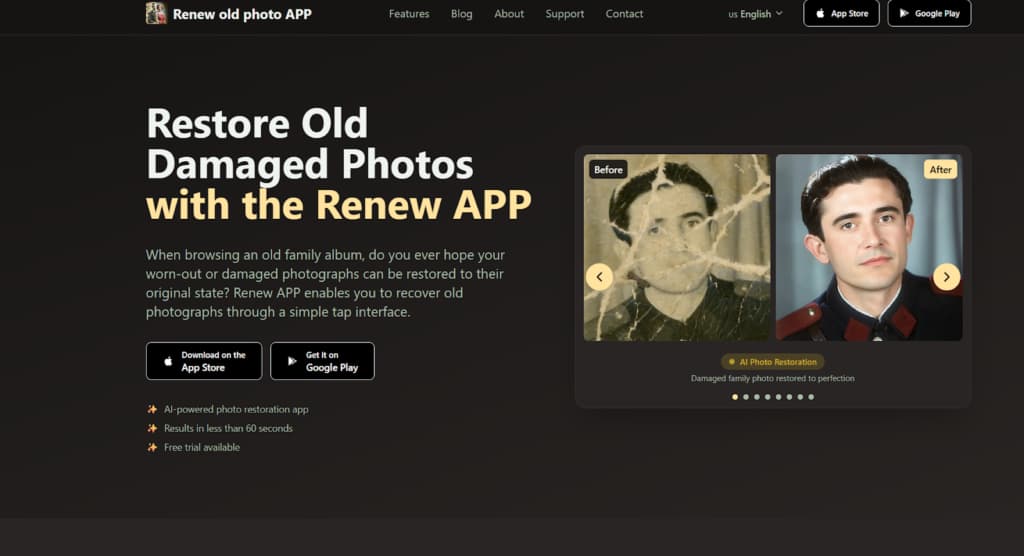
Renew Photo operates a sequential correction logic for high-complexity cases. It is an automated pipeline designed for photos with multiple simultaneous defects. The tool processes an image through several stages, each targeting a different deterioration type like scratches, fading, or lost detail. This integrated approach coordinates corrections that could conflict if applied independently. It represents a deep, structural intervention in the image file.
Best Fit Scenarios
This tool is for advanced restoration complexity. It handles photos where damage is layered, interacting, and severe. Simple enhancement filters cannot parse these compounded problems. The pipeline logic is built to manage that technical interplay. Renew Photo is most suitable for restoration tasks such as:
- Photos with layered physical and tonal damage;
- Images with heavy fading combined with scratches;
- Portraits requiring structural detail reconstruction;
- Black-and-white photos that need full colorization.
The high automation level means limited manual control. You accept its coordinated output.
2. RetroFix
RetroFix provides fast, shallow processing for mobile devices. It applies quick enhancements to clarity and color. The tool is built for convenience and speed on photographs with isolated, minor issues. Its algorithmic intervention is broad and immediate, not layered or deep.
Best Fit Scenarios
Use this app for low-complexity restoration. It corrects simple, common flaws where the core photograph structure remains mostly intact. RetroFix works best for restoration tasks such as:
- Slight blur reduction;
- Cleaning minor surface marks;
- Enhancing faded contrast;
- Fast correction on mobile devices.
The tool lacks the architecture for deep defects like paper tears or complex stains. Its processing depth is limited to surface-level enhancements.
3. Restore Old Photos
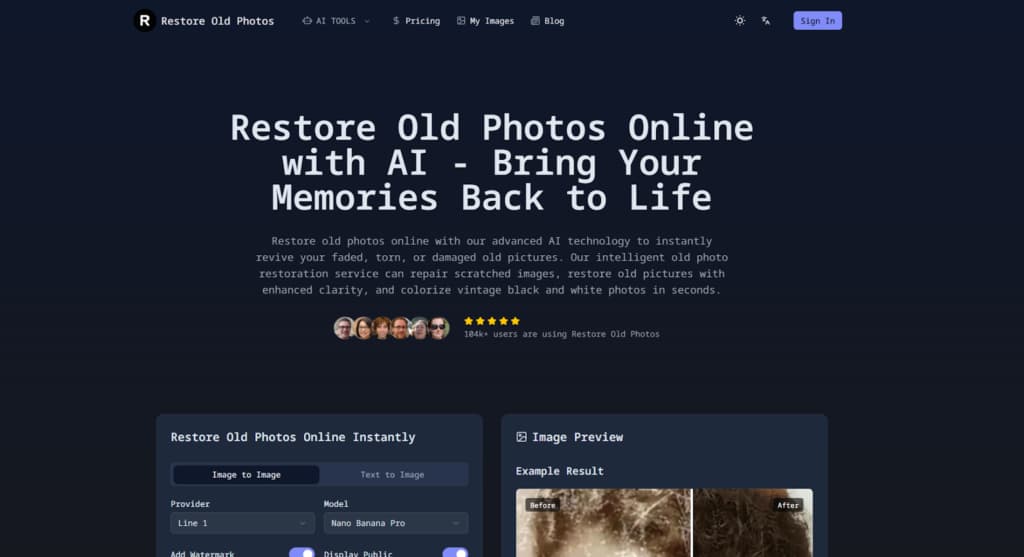
Restore Old Photos is an online service targeting serious physical damage. Its algorithms prioritize reconstructing structural integrity in torn or scratched prints. The tool attempts to infer and replace missing visual data from surrounding areas. This constitutes a moderate-to-deep level of intervention, specifically for material defects.
Best Fit Scenarios
This service is for explicit structural compromise. It is designed for photographs where the physical medium is visibly broken. Restore Old Photos is appropriate for cases such as:
- Photos with visible cracks and tears;
- Images with missing surface fragments;
- Severely scratched prints;
- Damaged historical photographs.
Output fidelity depends heavily on the original scan’s resolution and lighting. A poor scan gives the algorithm almost nothing to work with.
4. PhotoRestore.io
PhotoRestore.io functions as a generalist browser tool. It performs a unified cleanup and quality uplift. The service applies a standard set of corrections for common aging effects like fading and light scratches. Its intervention is broad and standardized, operating at a medium depth of processing.
Best Fit Scenarios
This tool suits medium-complexity cases. It works on photographs with predictable, widespread aging where an overall improvement is the goal. PhotoRestore.io performs best in situations such as:
- Moderate fading and contrast loss;
- Light surface scratches;
- General clarity improvement;
- Standard online restoration needs.
User control over individual correction parameters is minimal. You get what the algorithm gives you.
5. ImageColorizer

ImageColorizer specializes in chromatic and tonal reconstruction. Its primary function is adding color to monochrome images or revitalizing faded hues. The tool intervenes deeply in the image’s color data but may not address physical defects at all. It operates on a specific channel of information.
Best Fit Scenarios
Employ this tool for color-specific degradation. It is for when the main issue is the absence or severe weakening of color information. ImageColorizer is most suitable for tasks such as:
- Colorizing black-and-white photos;
- Restoring faded color tones;
- Improving tonal balance in aged prints;
- Enhancing visual depth in flat images.
It is not a tool for mending scratches or tears. It manipulates color, not structure.
6. PicWish
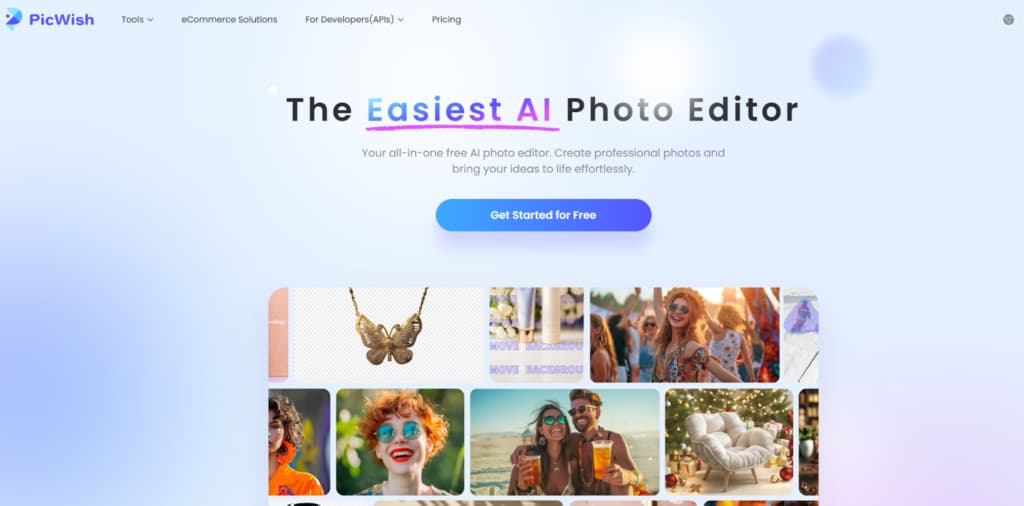
PicWish is a lightweight web-based enhancer. It executes fast automatic corrections for basic quality issues. The tool offers a shallow, generalized processing pass to improve visual appeal quickly. Its depth of intervention is purposefully limited for speed.
Best Fit Scenarios
This service fits simple, low-complexity touch-ups. It is for photos needing a quick polish rather than technical restoration. PicWish AI works well for situations such as:
- Light scratch removal;
- Basic color correction;
- Improving clarity of scanned photos;
- Fast automatic web-based fixes.
The algorithm works generally, without deep restoration logic. It’s a quick pass, not a rebuild.
7. Airbrush AI Photo Restoration
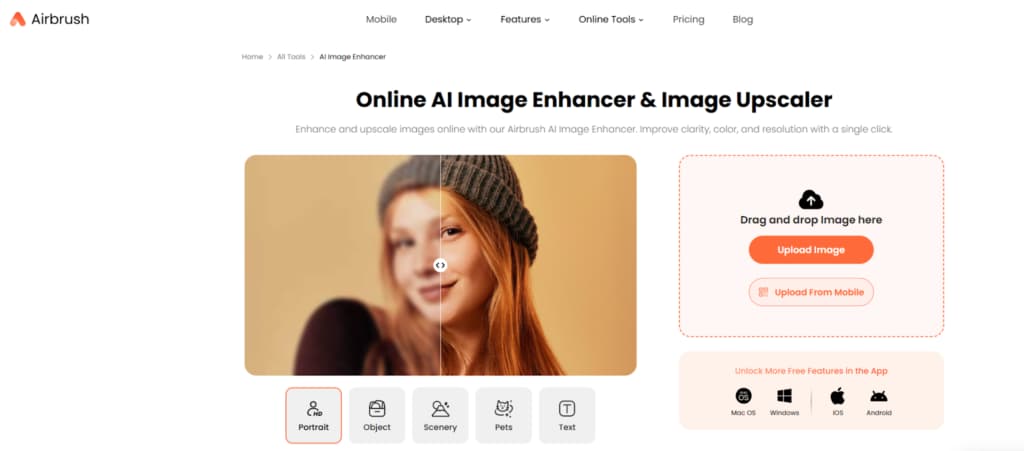
Airbrush AI focuses on digital detail enhancement. It sharpens features and reduces noise introduced by scanning or age. The tool’s intervention is at the pixel detail level, refining existing data rather than reconstructing major lost areas. This is a medium-depth processing focused on fidelity.
Best Fit Scenarios
Use this for digital artifact removal and detail recovery. It is ideal when the scan itself introduces noise or softness. Airbrush AI is most effective for cases such as:
- Reducing digital noise in scans;
- Enhancing fine visual details;
- Improving overall sharpness;
- Correcting mild tonal imbalance.
It does not restore major physical damage. It cleans and refines the digital signal you already have.
Understanding Restoration Depth Before Choosing a Tool
Tool selection requires an assessment of necessary processing depth. The required algorithmic intervention varies by case. Using a deep pipeline on a simple problem can over-process an image, creating artificial textures. Using a shallow tool on a complex problem yields incomplete corrections. The goal is parity between problem severity and tool capability. When selecting an AI restoration tool, consider the level of processing depth required:
- Severe physical damage requires structural restoration pipelines;
- Combined tonal and detail loss calls for multi-stage correction;
- Light blur and fading can be handled by general enhancement tools;
- Digital artifacts benefit from detail-focused enhancers.
Applying PicWish’s quick enhancer to a torn, faded portrait will disappoint. The tool lacks the procedural stages to address both structural and tonal damage. Conversely, running a slightly blurry scan through Renew Photo’s full pipeline is unnecessary and may degrade authentic grain. Match the tool’s engineered depth to your photograph’s specific complexity.
Final Technical Takeaway
These tools differ primarily in their depth of algorithmic intervention. Renew Photo and Restore Old Photos provide deep, structural processing. PhotoRestore.io and Airbrush AI offer medium-level correction. RetroFix, ImageColorizer, and PicWish AI perform more targeted or shallow enhancements. Their core architectures dictate their appropriate use cases.
The quality of your source scan remains the absolute limiting factor. Every tool, regardless of depth, operates on the digital data you provide. High-quality input expands the potential of every service. Low-quality input restricts even the most sophisticated pipeline.
Select tools by first diagnosing the complexity of your photograph’s deterioration. Then choose a service whose processing depth is engineered to meet that specific challenge. This technical alignment is the most reliable method for achieving a predictable restoration outcome.